The Evolution of K-12 E-Learning
Digital education transforms how students absorb information. You demand safe virtual environments for your family. The internet contains thousands of virtual learning websites. Finding the best online learning platforms for kids in 2026 requires strict evaluation. We analyzed the top kids learning platforms currently available against top competitor reviews. We discovered critical flaws in other reviews. Other websites ignore COPPA privacy compliance entirely. They hide true subscription costs. This guide ranks free online courses for kids against paid educational websites transparently.
You will discover programs focusing on STEM education online. You will find dedicated math and reading programs. We prioritized software offering verified safety protocols and deep student engagement metrics. Choose the exact tool your child needs based on hard data. Quality software builds digital literacy for children early. For parents looking to boost their own digital workflows, explore our guide on how to use AI tools for productivity. Your active involvement guarantees success. Review the detailed breakdowns of the educational platforms for children below.
Quick Comparison Table
| Platform Name | Best For | Age Group | Pricing | Key Feature |
|---|---|---|---|---|
| Khan Academy Kids | Early Literacy & Math | 2 to 8 | Free | Ad-free guided learning |
| Scratch | Coding Fundamentals | 8 to 16 | Free | Visual block programming |
| PBS KIDS | Emotional Intelligence | 2 to 8 | Free | Character-based games |
| ABCmouse | Full Curriculum | 2 to 8 | $12.99 / mo | Step-by-Step Path |
| Prodigy | Gamified Math | 6 to 14 | Freemium | RPG battle system |
| Outschool | Live Tutoring | 3 to 18 | Varies | Small group video classes |
| IXL Learning | Test Prep & Diagnostics | pre-K to 12 | $19.95 / mo | Real-time analytics |
Top Free Online Courses for Kids in 2026
You do not need to pay monthly fees for high quality instruction. Non profit organizations build excellent early childhood education technology. These free online courses for kids rival expensive alternatives. They deliver rigorous academic content at zero cost. We review the top three options below.
1. Khan Academy Kids
- Best For: Early childhood education technology
- Target Age: 2 to 8 years old
- Pricing: Absolutely free forever
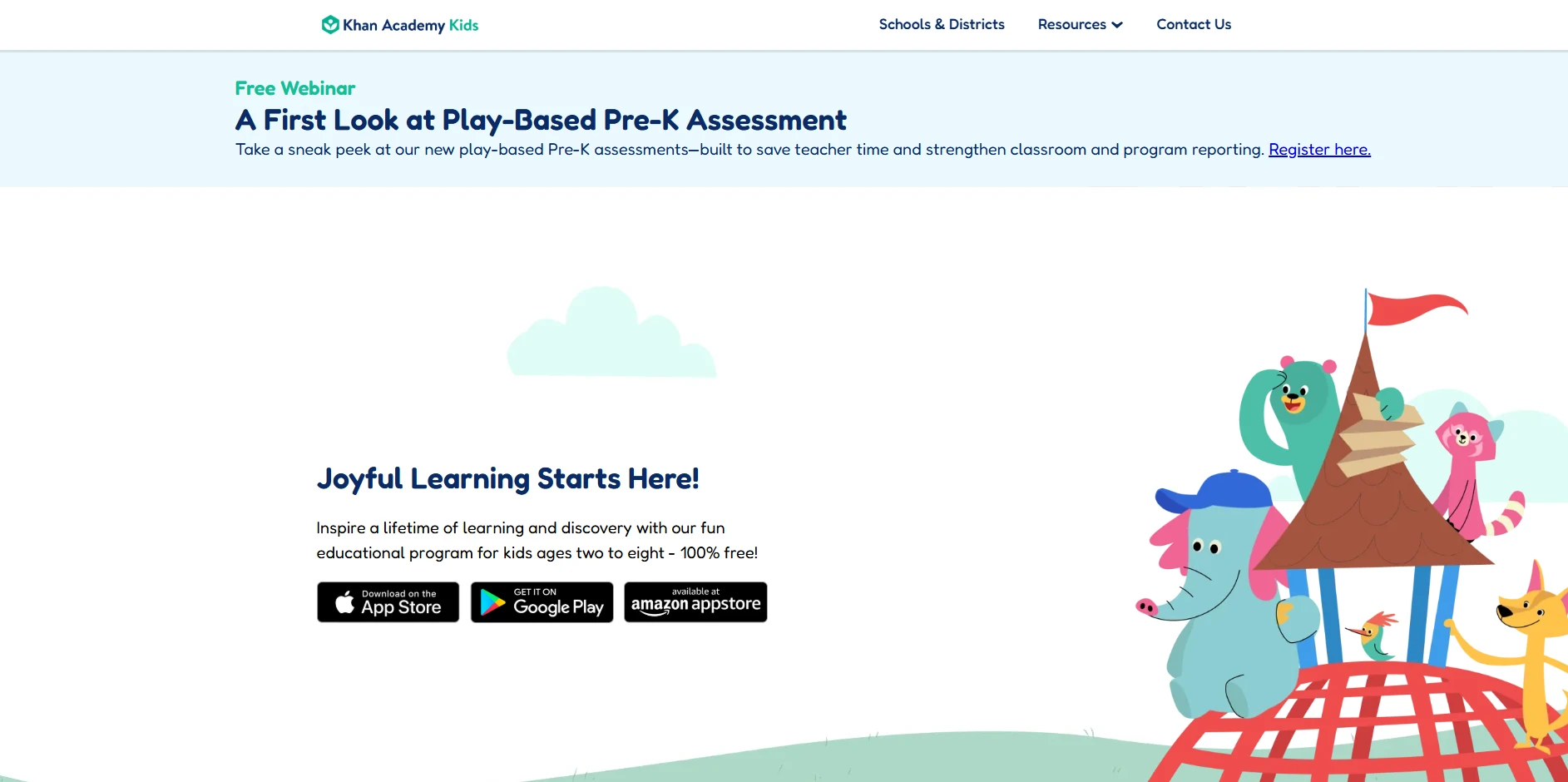
Khan Academy Kids dominates the free tier globally. Stanford University education experts designed the curriculum. The software delivers complete math and reading programs. Your child follows a structured learning path guided by animal characters. The interface suits toddlers perfectly. The application includes thousands of digital books and interactive videos. It functions entirely without advertisements. You receive detailed performance analytics weekly. Khan Academy Kids represents the standard for early childhood education technology.
Pros:
- Costs exactly zero dollars forever.
- Contains absolutely zero third party advertisements.
- Aligns with Head Start Early Learning Outcomes Framework.
- Offers offline functionality for traveling families.
Cons:
- Lacks advanced content for children older than eight.
- Requires significant device storage space for offline lessons.
- Offers zero live human interaction.
2. Scratch and ScratchJr
- Best For: STEM education online and logic building
- Target Age: 5 to 16 years old
- Pricing: Absolutely free forever
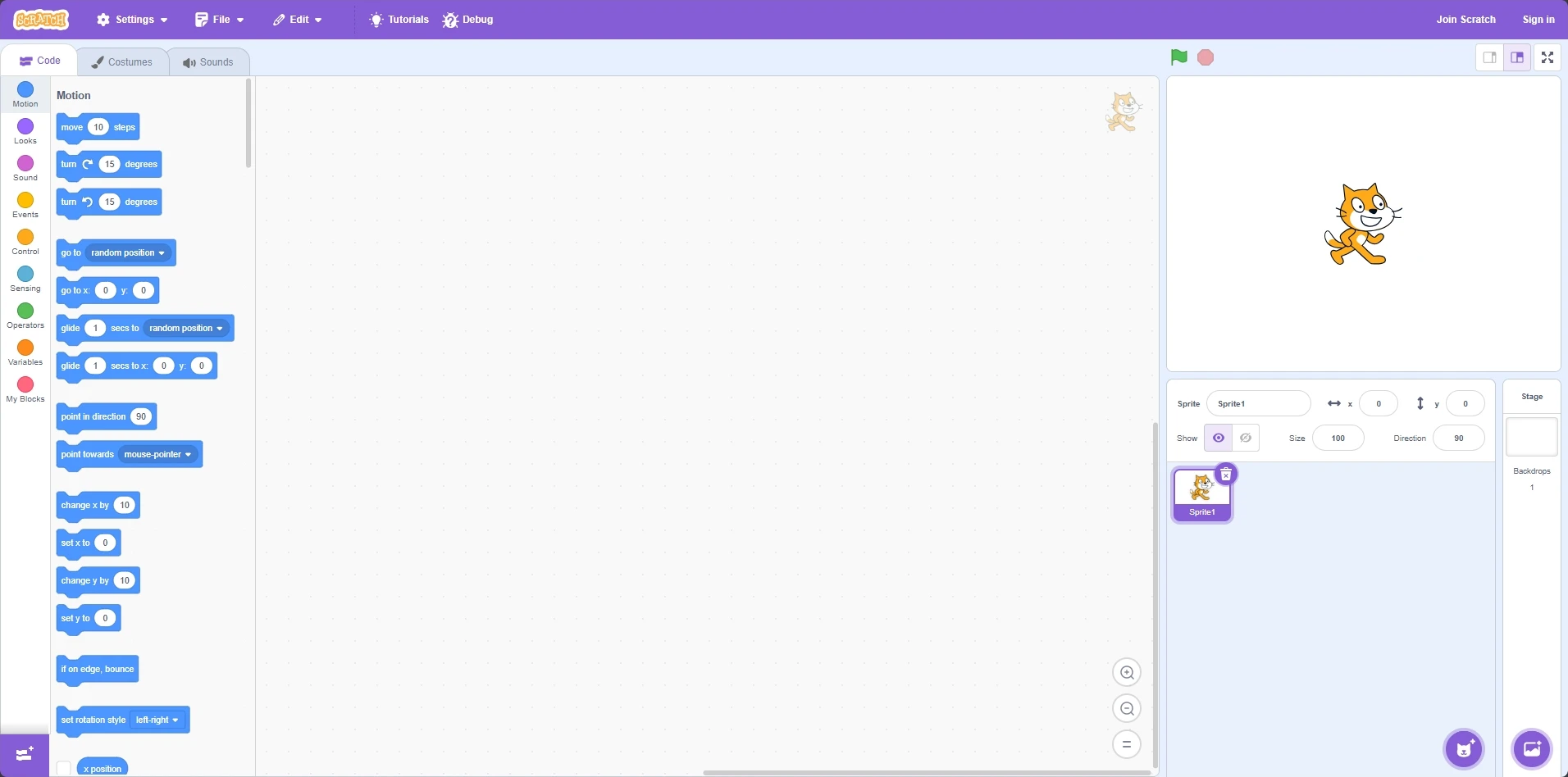
MIT created Scratch to advance STEM education online. It serves as the premier coding platform for kids globally. Children drag visual blocks to build code sequences. This block based system removes frustrating syntax errors. It teaches logical sequencing and computational thinking. ScratchJr targets ages five to seven. The main Scratch platform targets ages eight and above. Children build games and animated stories. They share projects within a heavily moderated community. Scratch provides the foundation for advanced computer science studies.
Pros:
- Eliminates typing requirements for early coders.
- Encourages extreme creative freedom in project design.
- Provides a massive library of community generated tutorials.
- Develops critical digital literacy for children.
Cons:
- Overwhelms beginners with the blank canvas interface initially.
- Requires parent supervision during community browsing sessions.
- Lacks structured daily lesson pathways.
3. PBS KIDS
- Best For: Social skills and emotional intelligence
- Target Age: 2 to 8 years old
- Pricing: Absolutely free forever
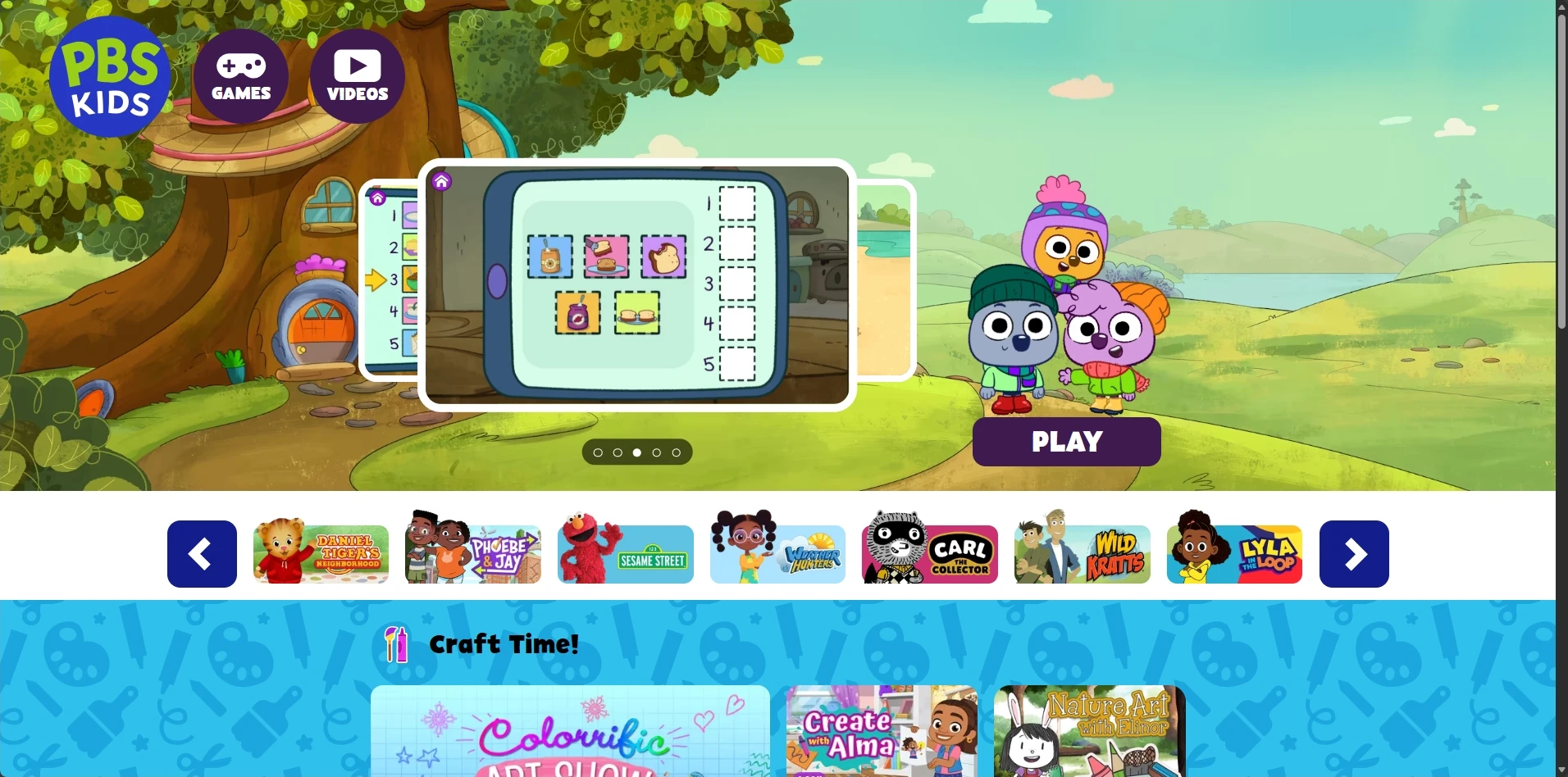
PBS KIDS converts television programming into interactive learning apps. The platform focuses heavily on social skills and emotional intelligence. Children play curriculum aligned games featuring familiar cartoon characters. The design keeps young users engaged effortlessly. The software covers basic arithmetic and early science concepts. PBS KIDS provides a secure digital environment. You find zero predatory advertisements. It remains a trustworthy choice for free virtual learning websites.
Pros:
- Leverages familiar characters to maximize user engagement.
- Teaches complex emotional regulation beautifully.
- Functions flawlessly across web browsers and mobile tablets.
- Provides excellent offline printable resources for parents.
Cons:
- Provides shallow depth in advanced mathematics.
- Lacks detailed progress tracking tools for parents.
- Functions poorly on older cellular connections.
Best Paid Educational Platforms for Children
Paid educational websites provide deep structural advantages. Subscription models fund advanced adaptive learning algorithms. They finance premium video production and live instructor salaries. These platforms function as primary homeschooling curriculum online. We evaluate the top paid platforms below.
4. ABCmouse
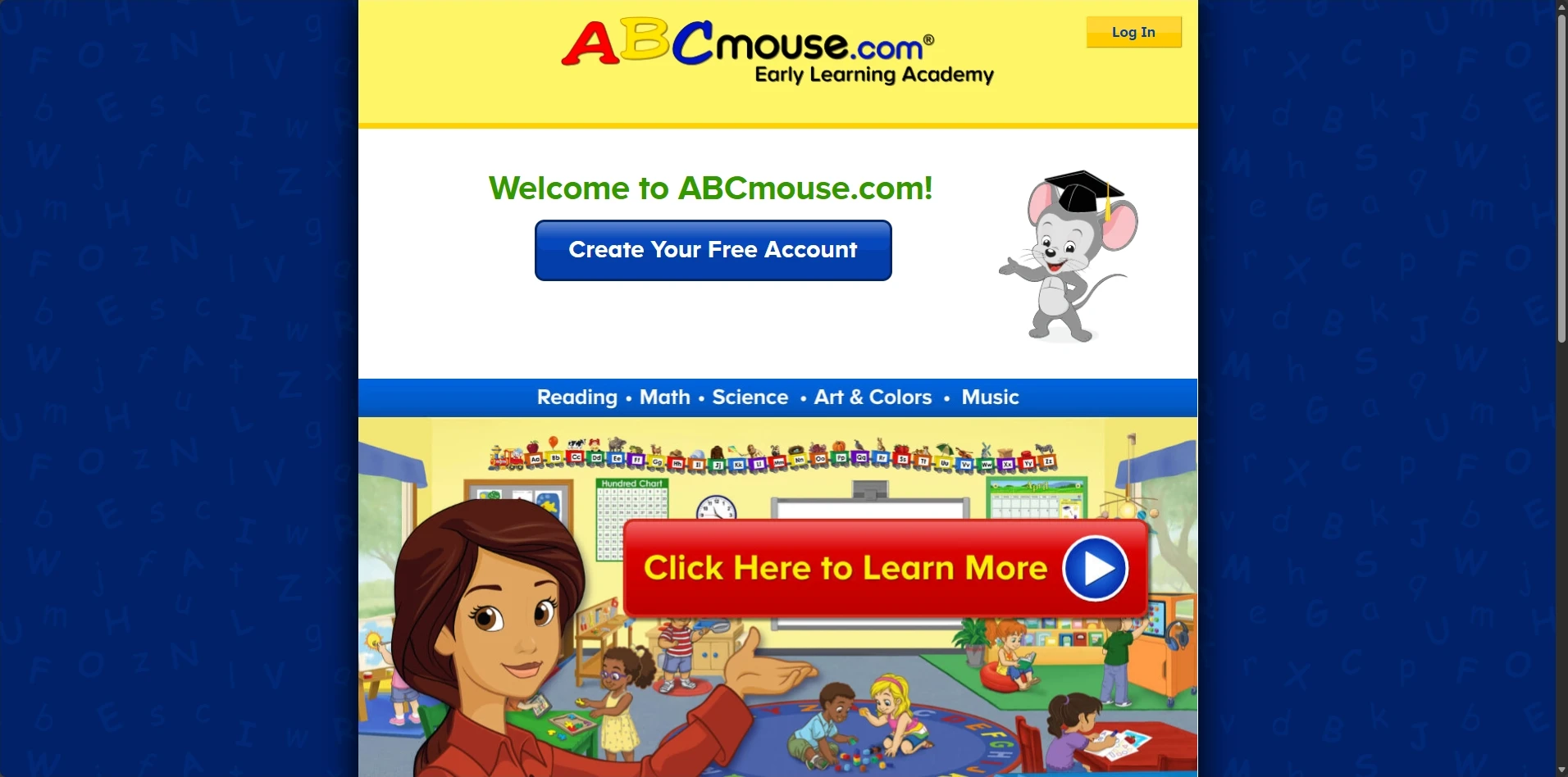
- Best For: Complete homeschooling curriculum online
- Target Age: 2 to 8 years old
- Pricing: $12.99 per month
ABCmouse operates a complete early learning academy. The platform features over ten thousand unique learning activities. It covers art science math and reading. The step by step learning path guarantees sequential skill building. Children earn digital tickets by finishing lessons. They spend tickets on virtual pets or avatar clothing. This reward loop drives massive engagement. ABCmouse provides an all inclusive educational ecosystem for young learners.
Pros:
- Offers an incredibly massive content library.
- Uses a proven progressive lesson structure.
- Motivates consistent usage through effective virtual rewards.
- Provides comprehensive student engagement metrics to parents.
Cons:
- Costs a premium monthly fee.
- Runs slowly on older tablet devices due to heavy animations.
- Focuses exclusively on early elementary ages.
5. Prodigy Education
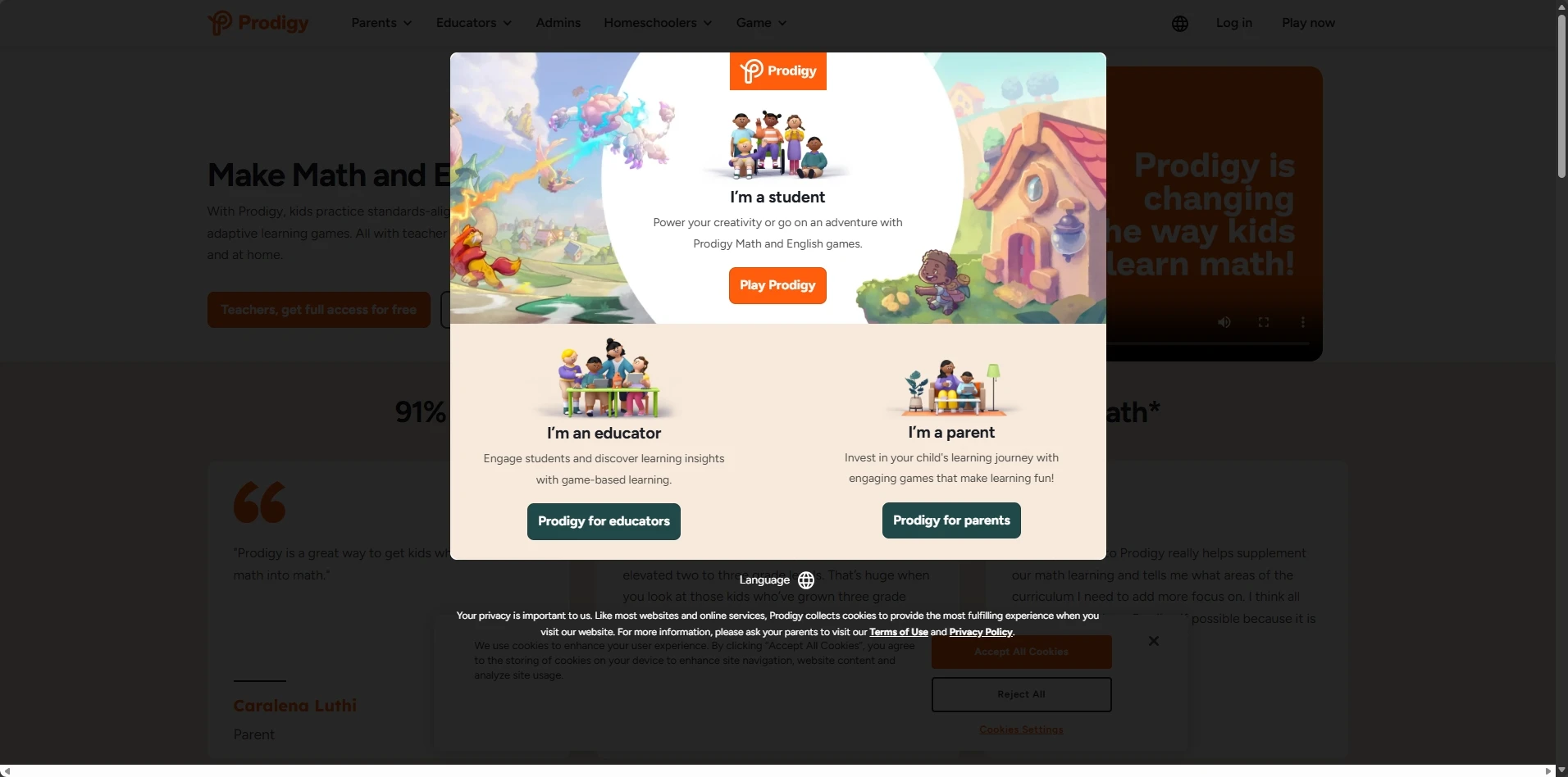
- Best For: Gamified education and math practice
- Target Age: 6 to 14 years old
- Pricing: Freemium (Premium starts at $9.95 per month)
Prodigy Education masks math drills behind a fantasy role playing game. Children control wizards and battle monsters. Winning battles requires answering math questions correctly. The adaptive algorithms adjust question difficulty in real time. The core game remains free. The premium membership unlocks advanced gear and pets. Teachers use Prodigy heavily for classroom assignments. The gamification mechanics motivate students to practice math willingly for hours.
Pros:
- Turns boring math homework into highly addictive gameplay.
- Adapts to the exact skill level of the user dynamically.
- Aligns with state specific curriculum standards accurately.
- Generates highly detailed parent diagnostic reports.
Cons:
- Pushes premium upgrade notifications inside the free version aggressively.
- Distracts some children with the gaming elements over the math.
- Provides limited coverage for subjects outside of mathematics.
6. Outschool
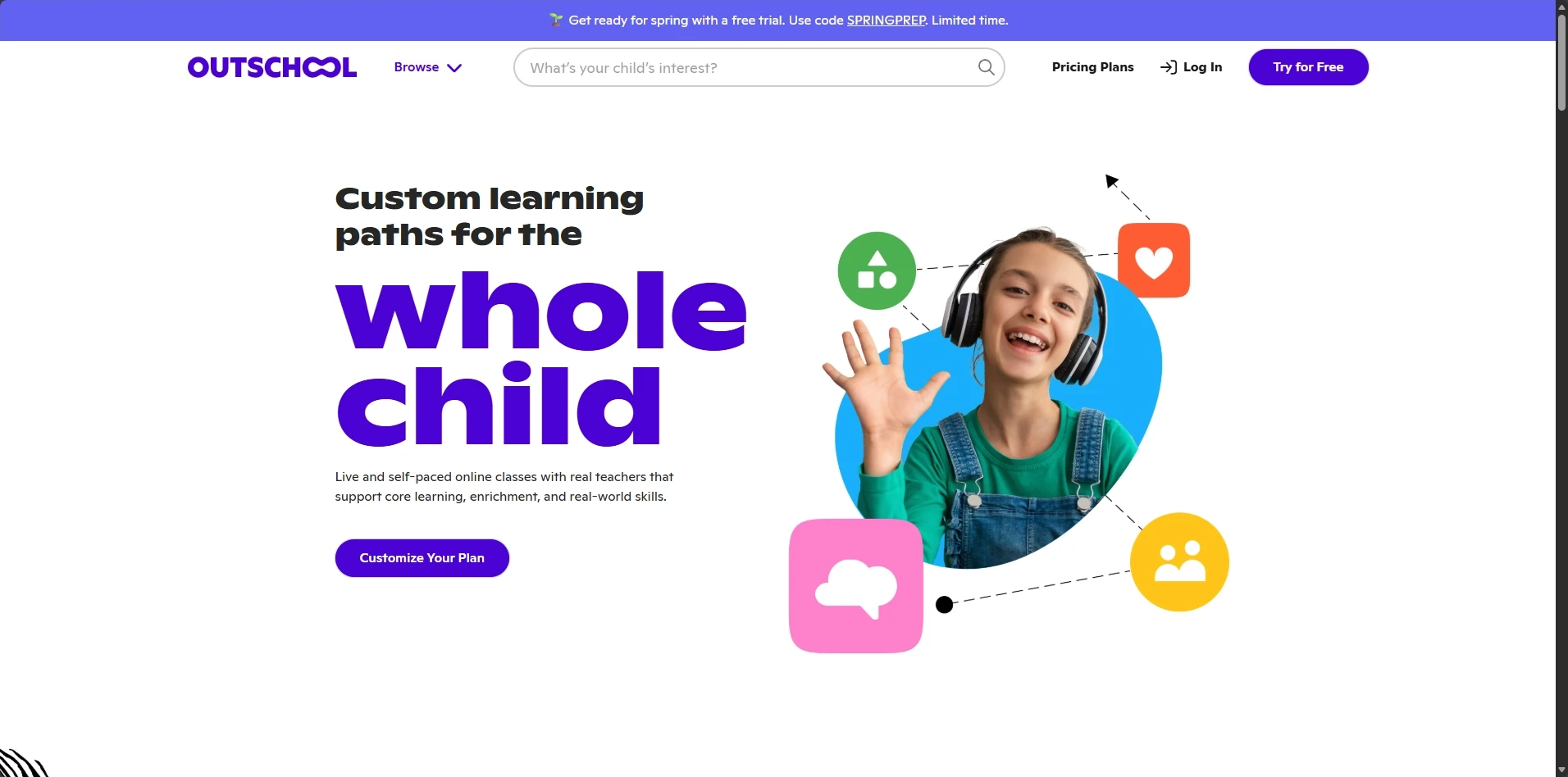
- Best For: Online tutoring services and socialization
- Target Age: 3 to 18 years old
- Pricing: Varies per class (Average $15 per session)
Outschool changes the K-12 e-learning model entirely. It offers live virtual classes via group video chat. Independent instructors design bespoke courses. You find classes teaching algebra programming or cooking. Children interact with peers and teachers directly. This social interaction separates Outschool from automated software. It serves children who require human connection to learn effectively. Parents read instructor reviews before booking sessions.
Pros:
- Provides actual human interaction and socialization.
- Offers incredibly niche subjects unavailable elsewhere.
- Allows ultimate scheduling flexibility for homeschooling families.
- Vets all instructors through strict background checks.
Cons:
- Costs scale up rapidly when booking multiple weekly classes.
- Relies heavily on the teaching quality of the specific independent instructor.
- Requires high speed internet for stable live video streaming.
7. IXL Learning
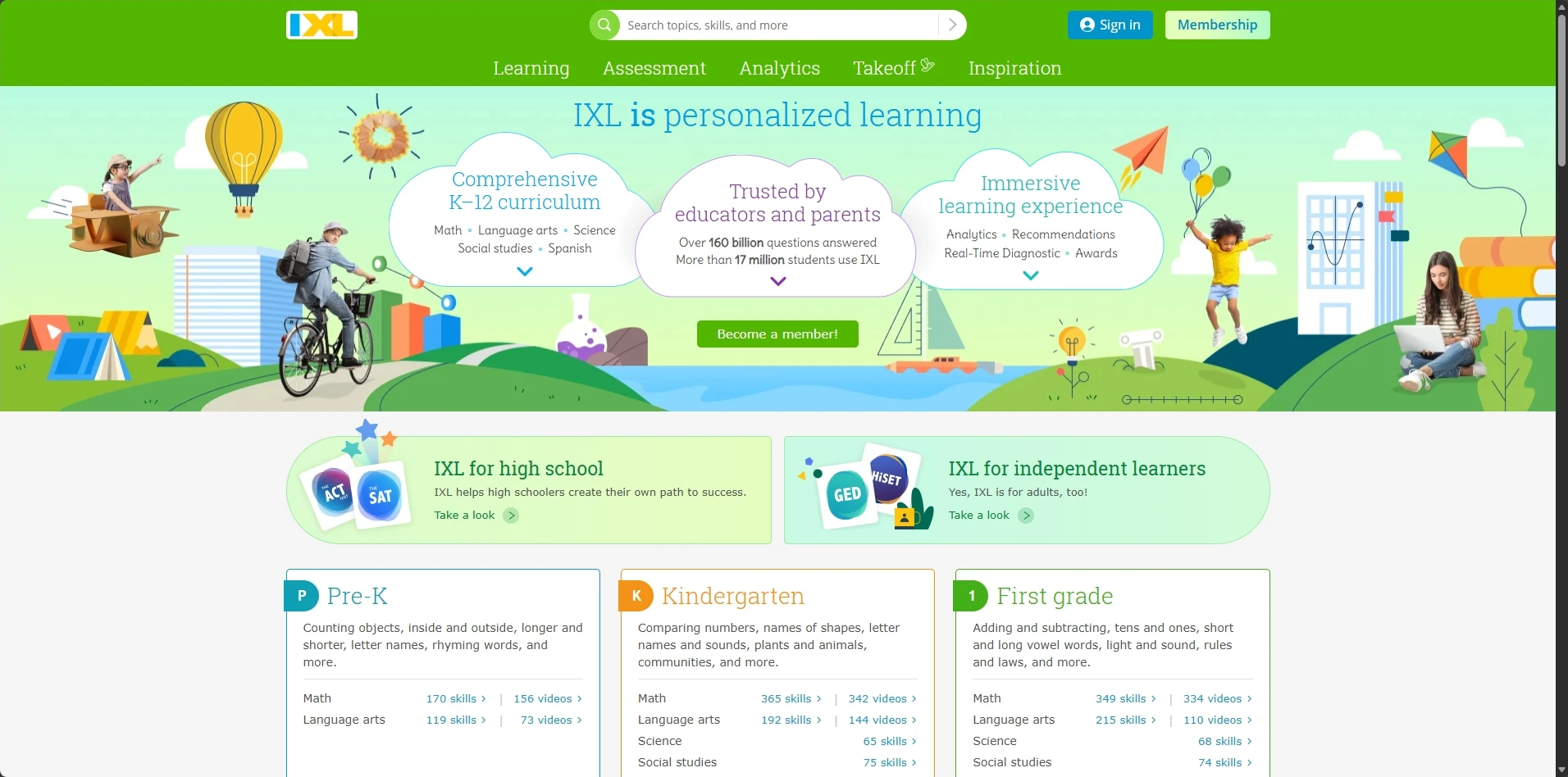
- Best For: Standardized test preparation and diagnostics
- Target Age: Pre-K to 12th Grade
- Pricing: $19.95 per month (Core subjects)
IXL Learning provides rigorous academic practice. It caters specifically to older students preparing for standardized tests. The platform uses a continuous diagnostic tool. This tool identifies precise knowledge gaps instantly. It generates personalized learning paths to fix those gaps. The interface avoids distracting game elements. It focuses purely on skill mastery through repetition. IXL provides the most granular progress tracking tools available to parents.
Pros:
- Delivers the most accurate diagnostic assessments available.
- Covers the entire K-12 spectrum comprehensively.
- Removes playful distractions to focus strictly on academic rigor.
- Provides immediate step by step explanations for incorrect answers.
Cons:
- Feels repetitive to students accustomed to gamified interfaces.
- Costs a high monthly premium for the full subject package.
- Focuses heavily on rote memorization and direct practice alone.
Key Features to Demand from Top Kids Learning Platforms
You must identify specific features before downloading any digital tool. Not all interactive learning apps provide actual educational value. The market contains applications disguised as learning tools. These specific metrics separate the best educational software from simple mobile games. Demand these features from any platform you select.
Safety and COPPA Compliance
Student data privacy dictates platform quality. You must verify COPPA compliance immediately. The Children Online Privacy Protection Act (COPPA) legally restricts data collection. The best online learning platforms for kids 2026 collect zero marketing data. They block third party advertisements completely. They restrict external internet links. Safe virtual classrooms protect user identities. Verify the privacy policy before creating an account. Do not compromise on digital security.
Adaptive Learning Algorithms
Static lesson plans fail modern students. Top tier software utilizes adaptive learning algorithms. These algorithms build personalized learning paths instantly. The system analyzes every answer your child submits. The software increases difficulty after correct answers. It repeats foundational concepts after incorrect answers. This prevents frustration. It ensures mastery of the subject matter before progression. Personalized learning paths mirror actual human tutoring techniques exactly.
Parental Dashboards and Analytics
You cannot improve what you cannot measure. Premium platforms provide progress tracking tools. These parental dashboards display student engagement metrics clearly. You see the exact minutes spent on specific tasks. You view the exact questions answered incorrectly. This data dictates your offline conversations. It shows exactly where your child needs physical help. Strong reporting distinguishes professional K-12 e-learning software from amateur applications instantly.
Screen Time Management for Digital Learning
Digital learning increases total screen exposure. You must implement strict screen time management. Categorize screen time into active and passive buckets. Watching cartoons ranks as passive time. Solving math puzzles ranks as active time. Treat active learning apps differently than television. Set firm daily limits regardless of activity type. Enforce physical breaks every thirty minutes. Mandate outdoor play daily. Turn off electronic devices one hour before sleep. Guard the physical health of your child aggressively.
Frequently Asked Questions
What are the best online learning platforms for kids in 2026 overall?
Khan Academy Kids ranks as the best free platform overall due to its ad-free comprehensive curriculum. ABCmouse ranks as the best paid platform for early learners due to its massive content library. Prodigy ranks highest for gamified math practice. Outschool ranks best for live human interaction.
Are paid educational websites better than free online courses for kids?
Paid educational websites provide deeper analytics and more structured progressive learning paths usually. However, top tier free platforms like Khan Academy Kids equal paid competitors in direct educational value. Assess the free options fully before paying monthly subscriptions.
How do adaptive learning algorithms improve learning speed?
Adaptive learning algorithms monitor every student answer in real time. They skip basic concepts the student already knows. They force repetition on concepts the student fails. This prevents boredom and eliminates knowledge gaps efficiently. It guarantees faster mastery than static worksheets.
What is COPPA compliance?
COPPA stands for the Children Online Privacy Protection Act. It exists globally to protect minors on the internet. COPPA compliant platforms legally cannot collect personal tracking data from children under thirteen without explicit verifiable parental consent. Always verify COPPA compliance before installing an educational application.
Actionable Steps to Start Digital Learning Today
The internet provides elite academic resources instantly. The absolute best online learning platforms for kids in 2026 sit one click away. Choose one platform from the free online courses for kids list. Create a parent account right now. Check the COPPA compliance details immediately. Review the parental dashboards today. Sit with your child and start the first lesson together. Guide them through the interface confidently. Monitor their progress over the next seven days strictly. Switch to a new platform if they lose focus. Build the digital literacy for children today. Secure their academic future through active participation.